LG gram +view 16-Inch WQXGA Portable Monitor Review: Is This the Ultimate Second Screen for Remote Work in 2026?
Vineet Tyagi
20 Jun, 2026
If you've ever tried squeezing spreadsheets, video calls, and a dozen browser tabs onto a single laptop screen, you already know why a portable monitor has become a must-have travel accessory. The LG gram +view 16-inch WQXGA Portable Monitor with USB Type-C is one of the most talked-about options on the market right now — and in this review, we'll break down whether it's worth adding to your remote-work setup.
What Is the LG gram +view 16-Inch Portable Monitor?
The LG gram +view is a lightweight, USB-C powered second display designed to pair perfectly with LG's gram laptop lineup, though it works with any laptop that supports DisplayPort Alt Mode over USB-C. Available in models like the 16MQ70 and 16MR70 series, it's built around a slim IPS panel, a folio cover that doubles as a stand, and true plug-and-play simplicity — no drivers or external power brick required in most cases.
Key Specifications at a Glance
Display: 16-inch WQXGA IPS panel, 2560 x 1600 resolution
Aspect Ratio: 16:10, which gives noticeably more vertical space than a standard 16:9 monitor
Color Accuracy: DCI-P3 99% (typical), 95% minimum color gamut
Brightness: 350 nits with a 1200:1 static contrast ratio
Viewing Angles: 170°/170° for consistent color from almost any angle
Refresh Rate: 60Hz
Connectivity: Two USB Type-C ports (DP Alt Mode), one on each side of the panel
Orientation: Landscape and portrait, with auto-rotate available via the LG Switch app
Weight: Around 670g (1.48 lbs) bare, roughly 990g (2.18 lbs) with the included folio cover
Dimensions: Approximately 360 x 245.5 x 8.3mm — about a third of an inch thick
Why the 16:10 Aspect Ratio Matters
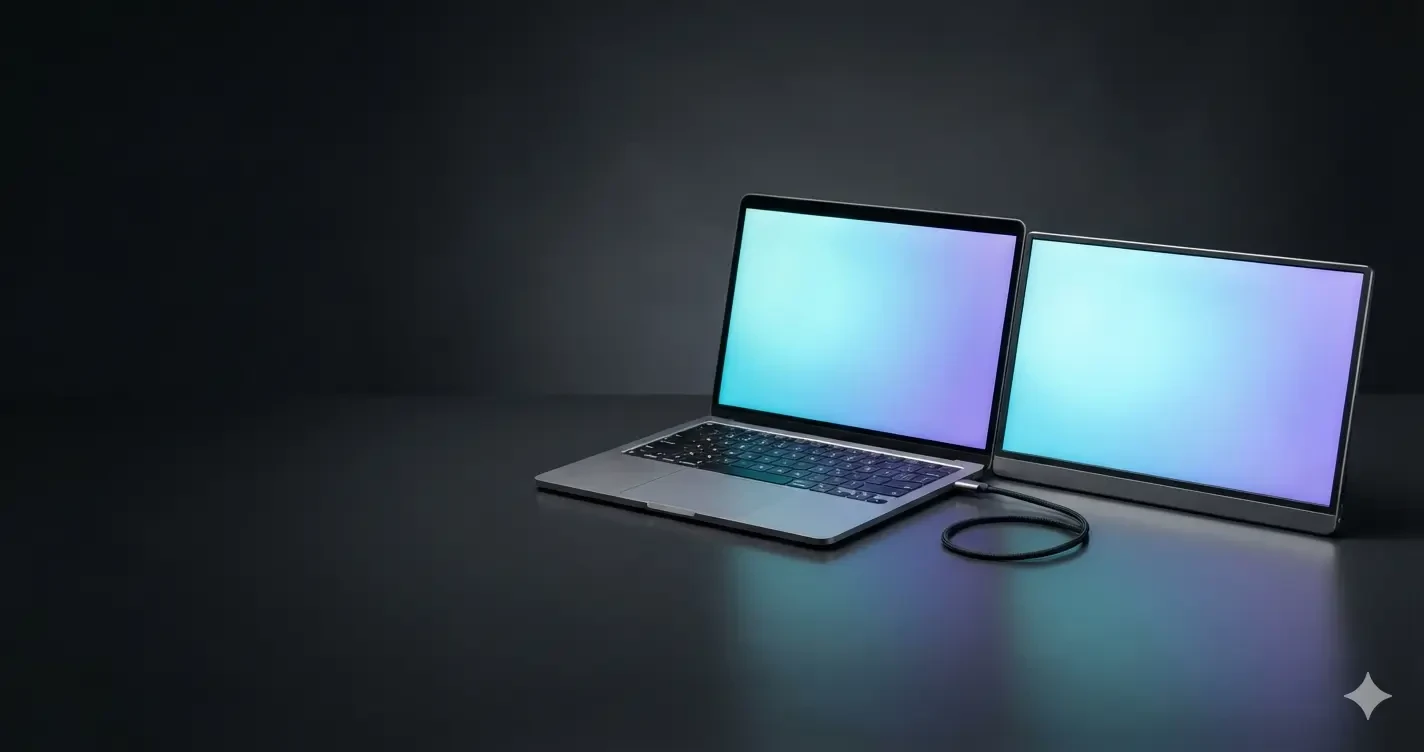
Most portable monitors on the market still ship in 15.6-inch Full HD, 16:9 configurations. The LG gram +view breaks from that trend with a taller 16:10 ratio and a sharper WQXGA resolution — double the pixel density of standard Full HD. That extra vertical real estate makes a real difference when you're scrolling through long documents, comparing code side by side, or managing multiple app windows at once. Paired with an LG gram 16-inch laptop, the two screens can sit side by side to create what LG describes as a virtually seamless 32:10 ultra-wide workspace.
Design and Portability
At under 1.5 pounds and roughly a third of an inch thick, this monitor is genuinely built for people who move around — freelancers, consultants, students, and hybrid employees who need a reliable second screen without adding bulk to their bag. The included folio cover isn't just protective packaging; it converts into a built-in stand, so you don't need to carry a separate mount or prop.
Power and Connectivity: How Simple Is Setup?
Because the LG gram +view draws both video signal and power through a single USB-C cable, setup is genuinely a one-cable affair. Your laptop needs to support DisplayPort Alt Mode and deliver at least 7.5W of USB Power Delivery (5V/1.5A) for the monitor to function properly. There's no built-in battery, so the monitor relies entirely on your connected laptop — or a separate USB-C charger if your laptop's battery is running low. Having a USB-C port on both the left and right edges is a small but genuinely useful design touch, letting you plug in from whichever side is more convenient for your desk setup.
Who Should Buy This Portable Monitor?
This monitor makes the most sense for:
Remote workers and digital nomads who need a real productivity boost without hauling a full monitor
LG gram laptop owners looking for a color- and design-matched companion screen
Creative professionals who value accurate DCI-P3 color reproduction on the go
Business travelers who regularly present, video call, or multitask between meetings
Gamers and video editors who need high refresh rates should note the 60Hz panel and roughly 30ms response time — this monitor is optimized for productivity, not competitive gaming.
Final Verdict
The LG gram +view 16-inch WQXGA Portable Monitor delivers a rare combination of sharp resolution, accurate color, and genuinely portable design, all wrapped into a one-cable USB-C setup. While it isn't aimed at gamers, it's an excellent pick for anyone who wants a serious productivity upgrade that fits in a laptop bag. If your workflow depends on multitasking across screens — whether you're in a coffee shop, an airport lounge, or a client's office — this monitor is well worth considering.
Frequently Asked Questions
Does the LG gram +view need external power?
No — it draws power directly from your laptop's USB-C port, though a separate USB-C charger can help if your laptop's battery is low.
Can I use it with any laptop, not just LG gram?
Yes, as long as your laptop supports DisplayPort Alt Mode and sufficient USB Power Delivery over USB-C.
Does it support portrait mode?
Yes, the display rotates between landscape and portrait, with auto-rotation available through the LG Switch app.